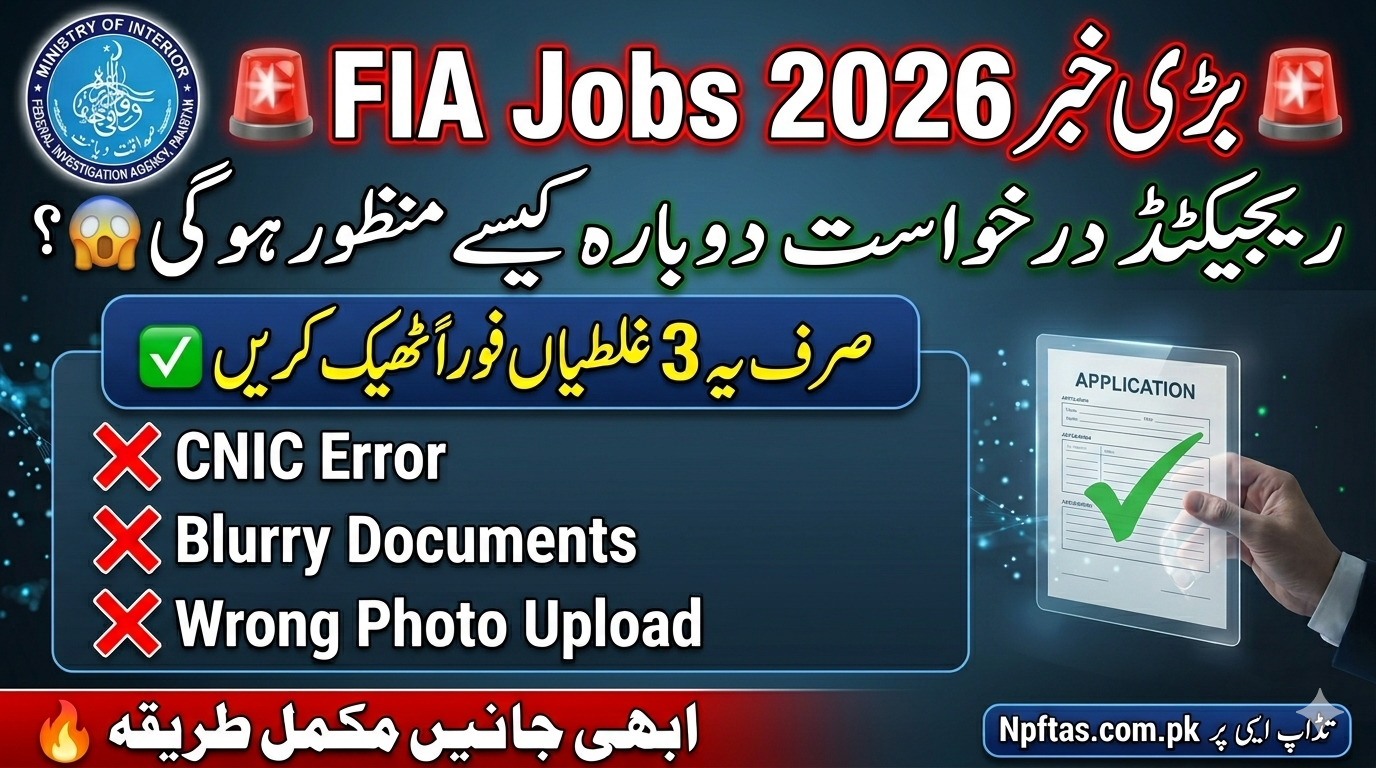
The Recruitment process for National Police Foundation Jobs Portal and upcoming Federal Investigation Agency Jobs 2026 has attracted thousands of applicants from all over Pakistan. Every year, a large number of candidates apply online for FIA vacancies including Assistant, Sub Inspector, Constable, UDC, LDC, Stenotypist, ASI, and other technical as well as non-technical posts. However, many applicants later discover that their applications have been marked as “Rejected”, “Incomplete”, or “Invalid” due to mistakes during the online submission process.
This issue creates stress for candidates because many people spend days preparing documents, filling forms, and waiting for updates. The good news is that rejected applications can often be corrected if candidates understand the reasons behind rejection and follow the official correction procedure carefully.
FIA Applicants Receiving Rejection Notifications
Federal Investigation Agency is one of the most important law enforcement organizations in Pakistan. It works under the Ministry of Interior and handles cybercrime, immigration, anti-corruption investigations, anti-human trafficking operations, and national security matters.
Every year FIA announces multiple vacancies for educated candidates across Pakistan. Applicants from Punjab, Sindh, KPK, Balochistan, AJK, and Gilgit Baltistan apply through the official recruitment portal.
For 2026 recruitment, many candidates are expected to apply through the online application system available at:
The online system helps candidates submit applications digitally, upload documents, and track recruitment status from home.
Why FIA Applications Get Rejected
Many candidates believe their application is rejected without reason, but usually there are specific issues found during verification. Below are the most common reasons.
1. Incorrect CNIC Information
A single typing mistake in CNIC numbers can make your application invalid. The system cross-checks your identity with official NADRA records.
Common mistakes include:
- Wrong CNIC digits
- Expired CNIC
- Incorrect name spelling
- Father name mismatch
2. Invalid Educational Documents
Applicants sometimes upload incomplete or unclear certificates. FIA recruitment teams verify all educational records carefully.
Problems may include:
- Blurry matric certificates
- Missing intermediate result card
- Fake or unverified degree
- Wrong file format
- Expired equivalency certificate
3. Photograph Issues
Your passport-size photo must follow official instructions.
Applications may be rejected because:
- Background color is incorrect
- Face is not visible
- Old photograph uploaded
- Image size exceeds limit
- Selfie uploaded instead of passport photo
4. Signature Upload Error
Candidates often ignore signature instructions.
Common problems include:
- Signature cut from another document
- Blurry image
- Wrong dimensions
- Empty upload section
5. Incomplete Application Form
Thousands of applications are rejected simply because candidates leave mandatory fields empty.
Examples include:
- Missing domicile information
- Empty qualification section
- No experience details
- Missing disability information
6. Applying for Ineligible Posts
Every FIA vacancy has specific eligibility criteria. If your age, qualification, or physical standards do not match requirements, your application may be rejected automatically.
7. Multiple Applications
Some candidates apply multiple times using the same CNIC. The system may detect duplicate entries and reject all submissions.
How to Check FIA Application Status
Candidates can easily check their application status online through the official portal.
Steps to Check Status
Step 1
Visit the official portal:
Step 2
Click on the “Application Status” section.
Step 3
Enter your:
- CNIC number
- Password
- Tracking ID
Step 4
Press the submit button.
The system will show one of the following statuses:
- Submitted
- Under Review
- Accepted
- Rejected
- Incomplete
- Verification Pending
How to Fix Rejected FIA Applications
If your application is rejected, do not panic. In many cases corrections are allowed before the final deadline.
Below is the complete correction process.
Method 1: Edit Application Online
Some applicants receive temporary rejection status because documents are incomplete.
Correction Steps
Login to Portal
Open:
Access Dashboard
Enter CNIC and password.
Open Rejected Application
Click on your rejected form.
View Error Details
The system usually mentions reasons like:
- Invalid document
- Missing photo
- Incorrect qualification
Upload Correct Documents
Replace incorrect files with updated versions.
Submit Again
Review the form carefully before final submission.
Method 2: Contact FIA Support Team
If the portal does not allow editing, candidates can contact technical support.
Information to Provide
While contacting support, include:
- Full name
- CNIC number
- Application ID
- Mobile number
- Screenshot of issue
Method 3: Wait for Correction Window
Sometimes FIA opens a special correction period after application deadlines. During this phase candidates can update:
- Educational details
- Photographs
- Experience certificates
- Domicile records
Keep checking:
for announcements.
Important Documents Required for FIA Jobs
Candidates should prepare all documents before applying.
Personal Documents
- Valid CNIC
- Recent photographs
- Domicile certificate
- Father’s CNIC copy
Educational Documents
- Matric certificate
- Intermediate certificate
- Bachelor degree
- Master degree (if applicable)
Additional Documents
- Experience certificate
- NOC for government employees
- Disability certificate
- Hafiz-e-Quran certificate (if required)
Tips to Avoid Application Rejection
1. Use Correct Information
Always match details exactly with official documents.
2. Scan Documents Clearly
Use high-quality scans in JPG or PDF format.
3. Read Advertisement Carefully
Every FIA post has separate requirements.
4. Avoid Last-Day Submission
Heavy traffic on the portal may cause upload failures.
5. Use Active Mobile Number
All FIA recruitment updates are sent through SMS or email.
6. Save Application Screenshot
After submission, keep a screenshot or PDF copy for future reference.
Common Errors Seen in FIA Recruitment
Below are the most reported issues by applicants.
| Error Message | Meaning | Solution |
|---|---|---|
| Invalid CNIC | CNIC mismatch | Re-enter correct CNIC |
| Photo Upload Failed | Wrong image size | Resize photograph |
| Qualification Not Verified | Missing certificate | Upload clear document |
| Duplicate Application | Multiple submissions | Keep single valid form |
| Application Incomplete | Empty fields | Complete all sections |
FIA Written Test Process
After application approval, eligible candidates receive test slips.
The written test may include:
- English
- General Knowledge
- Pakistan Affairs
- Current Affairs
- Islamic Studies
- Computer Knowledge
Candidates should prepare early because FIA competition is very tough.
FIA Interview Verification Stage
At the interview stage original documents are verified.
Candidates must bring:
- Original CNIC
- Original certificates
- Domicile
- Passport photographs
- Experience letters
Any fake or mismatched document can lead to permanent disqualification.
What Happens After Application Approval
Once your application is accepted, the recruitment process usually follows these stages:
- Application review
- Written test
- Physical test
- Interview
- Medical examination
- Final merit list
- Appointment letter
Can Rejected Candidates Apply Again?
Yes, rejected candidates can usually apply again in future FIA recruitment cycles. A previous rejection does not permanently block your eligibility unless fraud or fake documentation was involved.
Candidates should learn from previous mistakes and prepare documents properly before reapplying.